
Current Customers
Welcome to the Existing Customer page!
Click on Forms or Resources, then use the buttons that appear on the left-hand side to navigate.
Forms
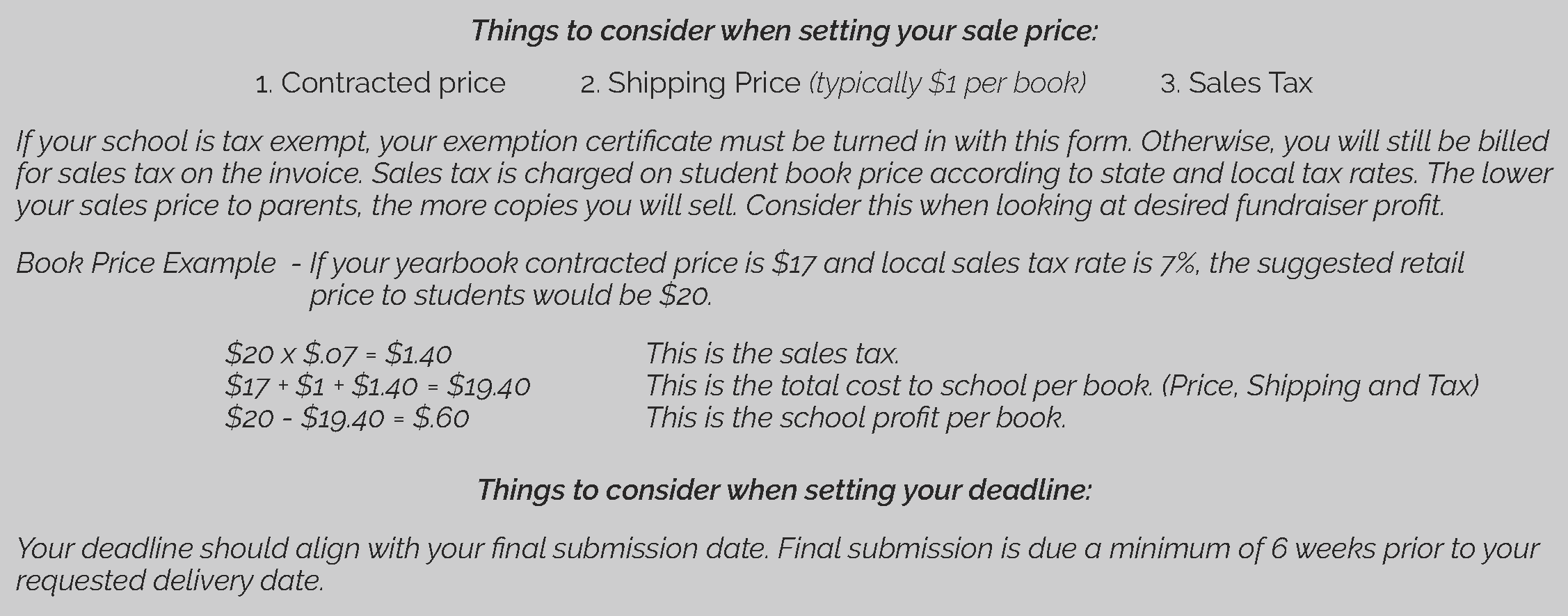
Resources
Standard Covers
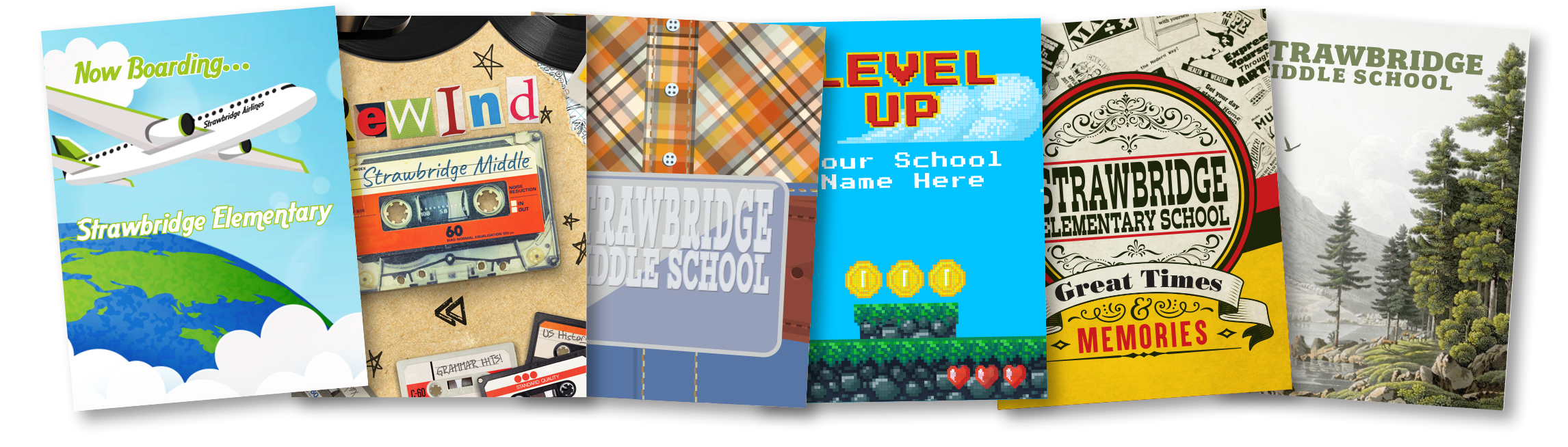
We also have a set of Standard Cover options specifically geared toward faith-based schools available to view here.
Student Artwork Covers
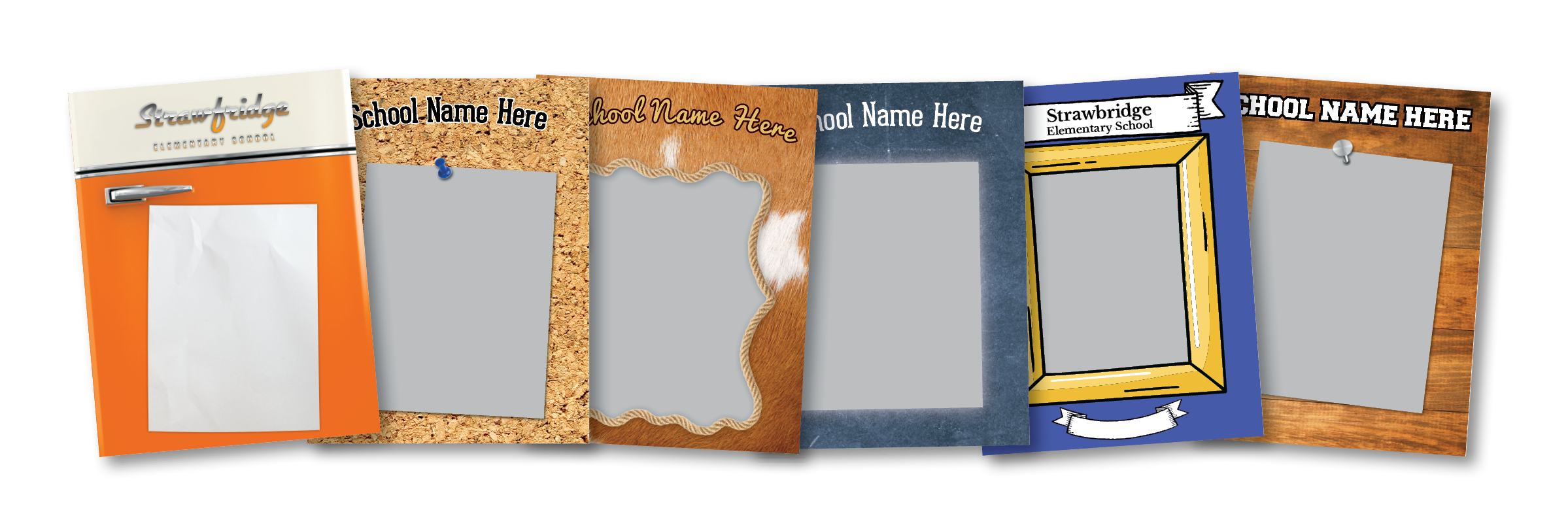
View our available templates here!
We accept both digital submissions (preferred) and hard copy artwork. For further instructions on how to submit, email us at: yearbook.support@strawbridge.net
Custom Covers

Please contact us prior to design for sizing & format requirements and/or software template files. If we will be creating the design for you, we recommend filling out this form and conferring with your Yearbook Representative to detail your vision.
Mosaic Covers
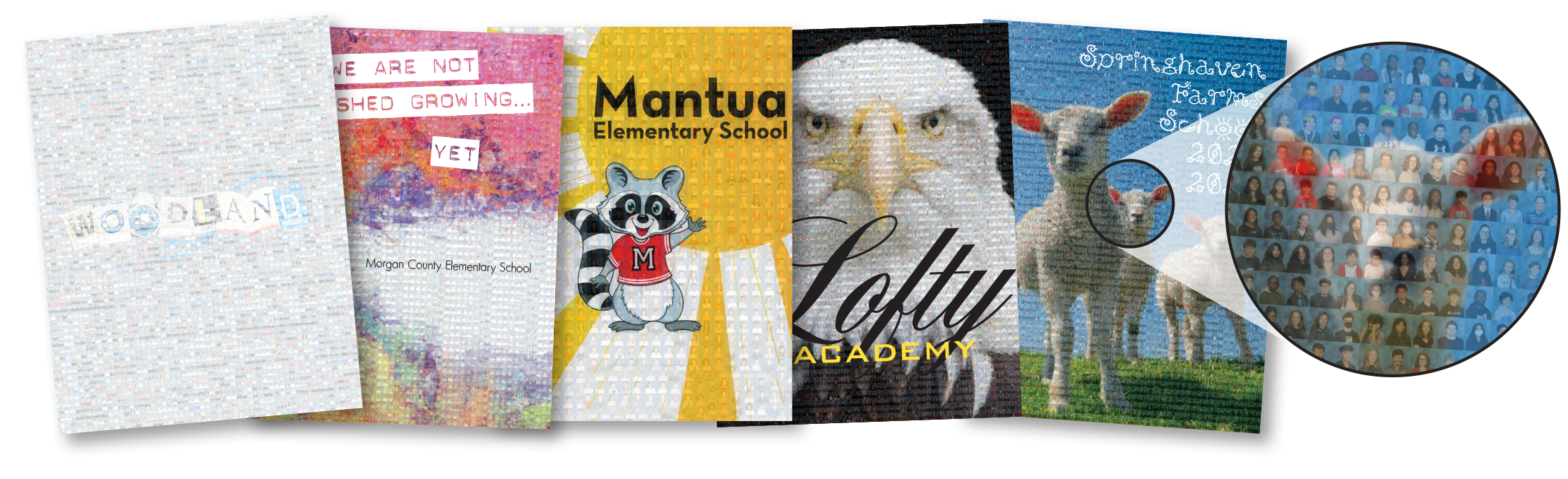
Use your students’ individual Fall portraits on any photo of your choice, like your school, your mascot, a drawing, or even custom artwork to create a beautiful mosaic design.
Our Yearbook Planning Guide is designed as a roadmap to help advisors navigate the yearbook process. The kit is full of important information and planning materials, including sale tips, a ladder diagram, color swatches, and more!
The Final Submission Form is the ticket to getting your yearbook sent to press. This will be your last chance to make any adjustments on the number of books ordered, so please make sure you fill out this form and submit it after reviewing your book proof and ensuring any necessary corrections have been made.
Available below are the User Manual and Content Guides for our Captura Yearbooks Software, as well as a network whitelist in case you are experiencing connectivity issues with the program.
This basic spreadsheet template can help you keep track of your yearbook orders, which you will need to do for distribution purposes.
This one-sheet PDF guide provides instructions on how to verify and correct portrait data in the yearbook software. This process is crucial to ensure that names are correct, students and staff appear where they should, and no one is left out of the book.
This checklist template will help you stay on track with the yearbook process throughout the year.
This example document illustrates an example of a comprehensive set of rules for yearbook staff to follow when designing a yearbook. Use this example to develop your own style guide!
This fillable Ladder Diagram will help you organize the content of your yearbook pages so that as you create the book, you’ll know exactly what material goes on which page.
These Color Swatches will help as a reference when submitting choices for customized cover designs.
Captura Yearbooks

Note: The video refers to the software by its prior name, PLICBooks. Functionality remains the same.